
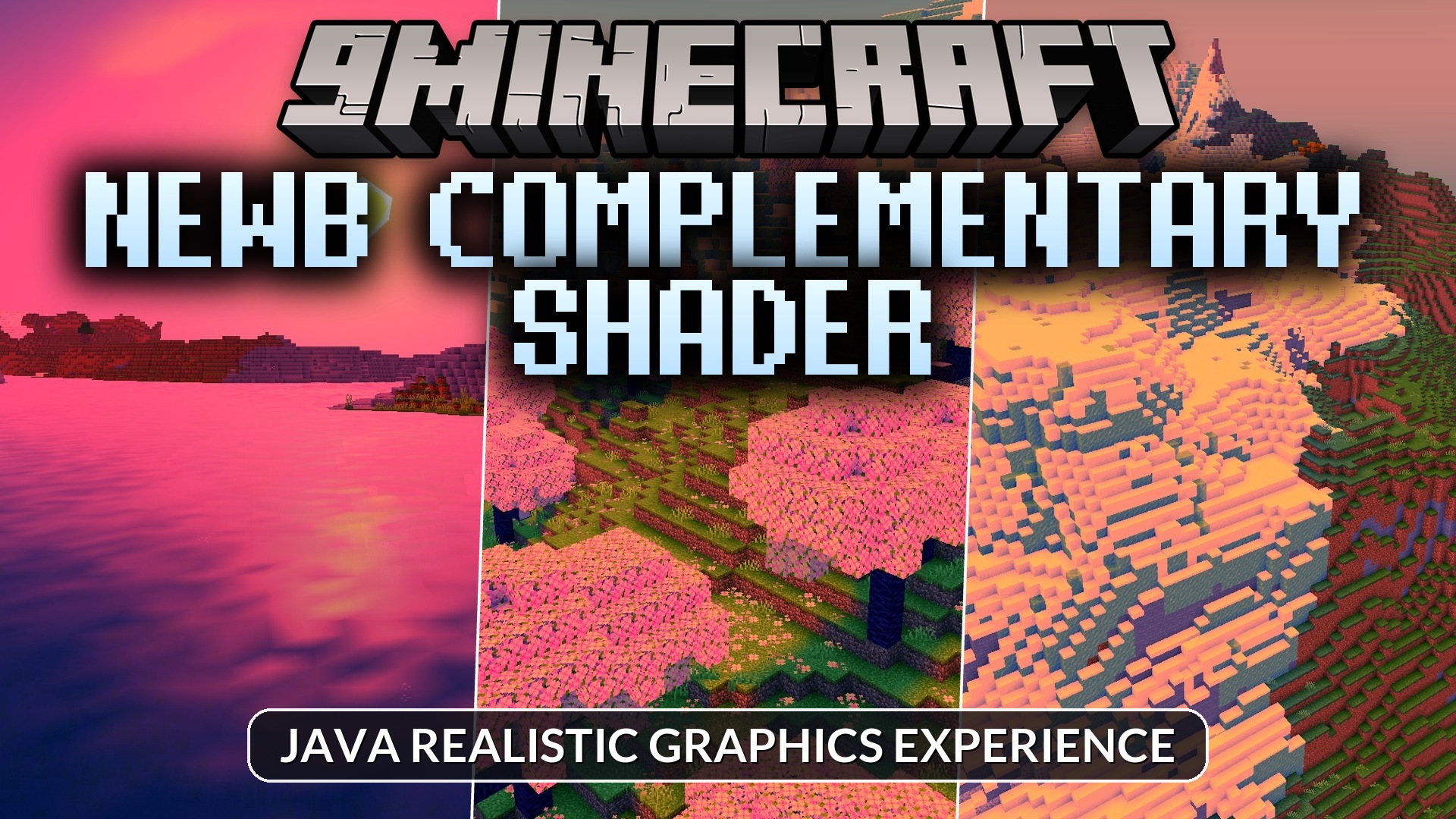
Newb Complementary Shader (26.x) – Java Realistic Graphics Experience
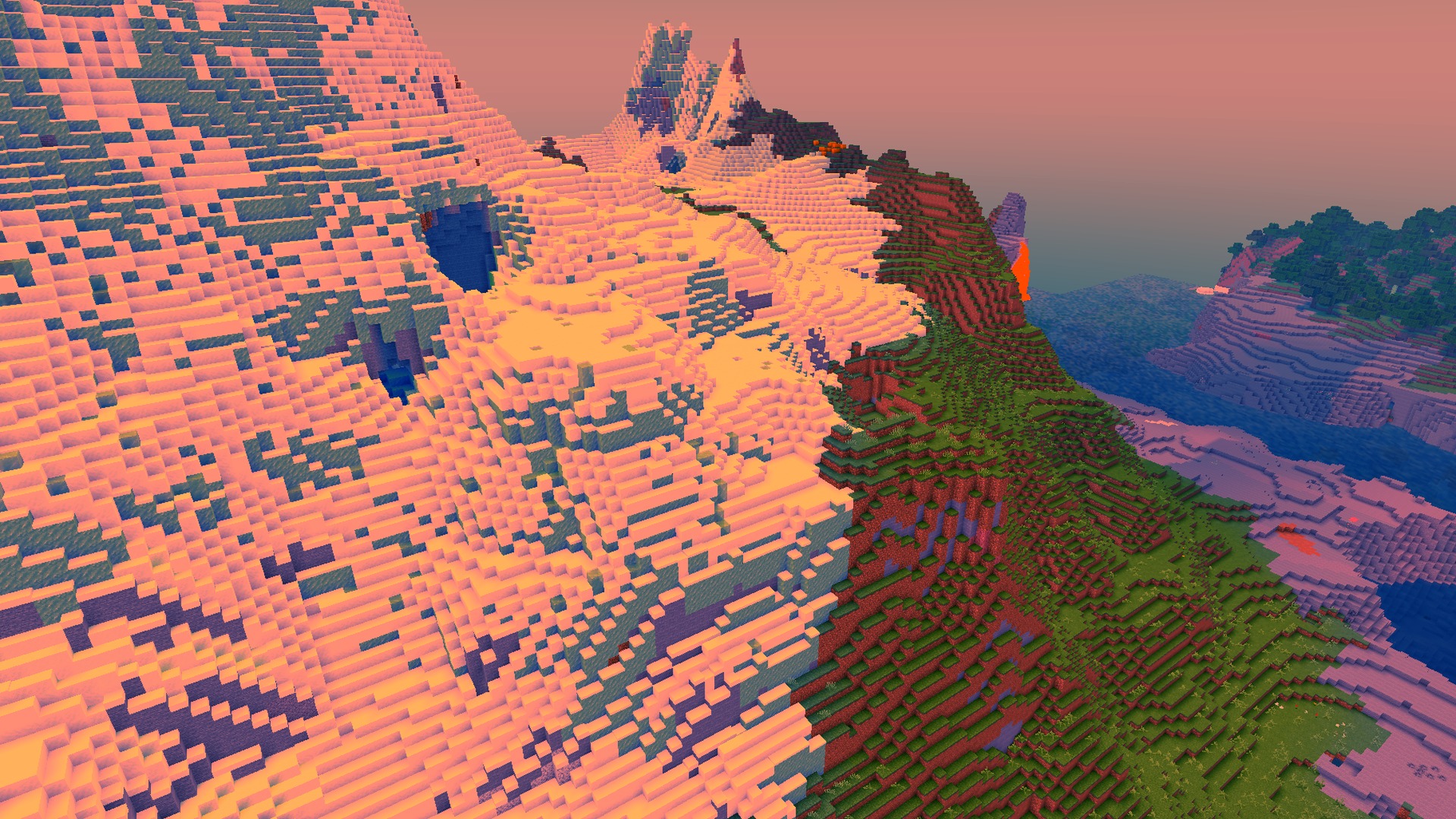
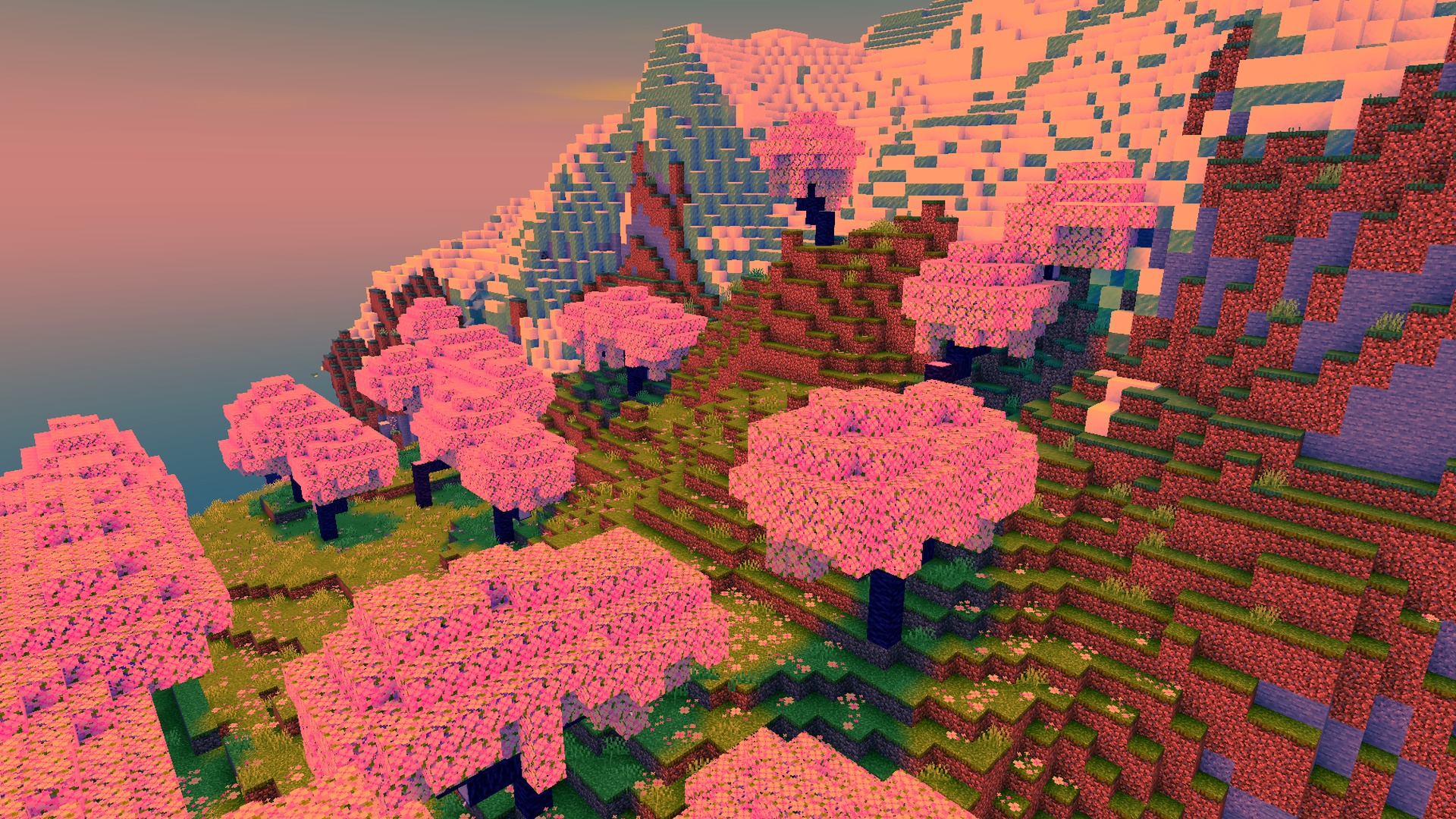
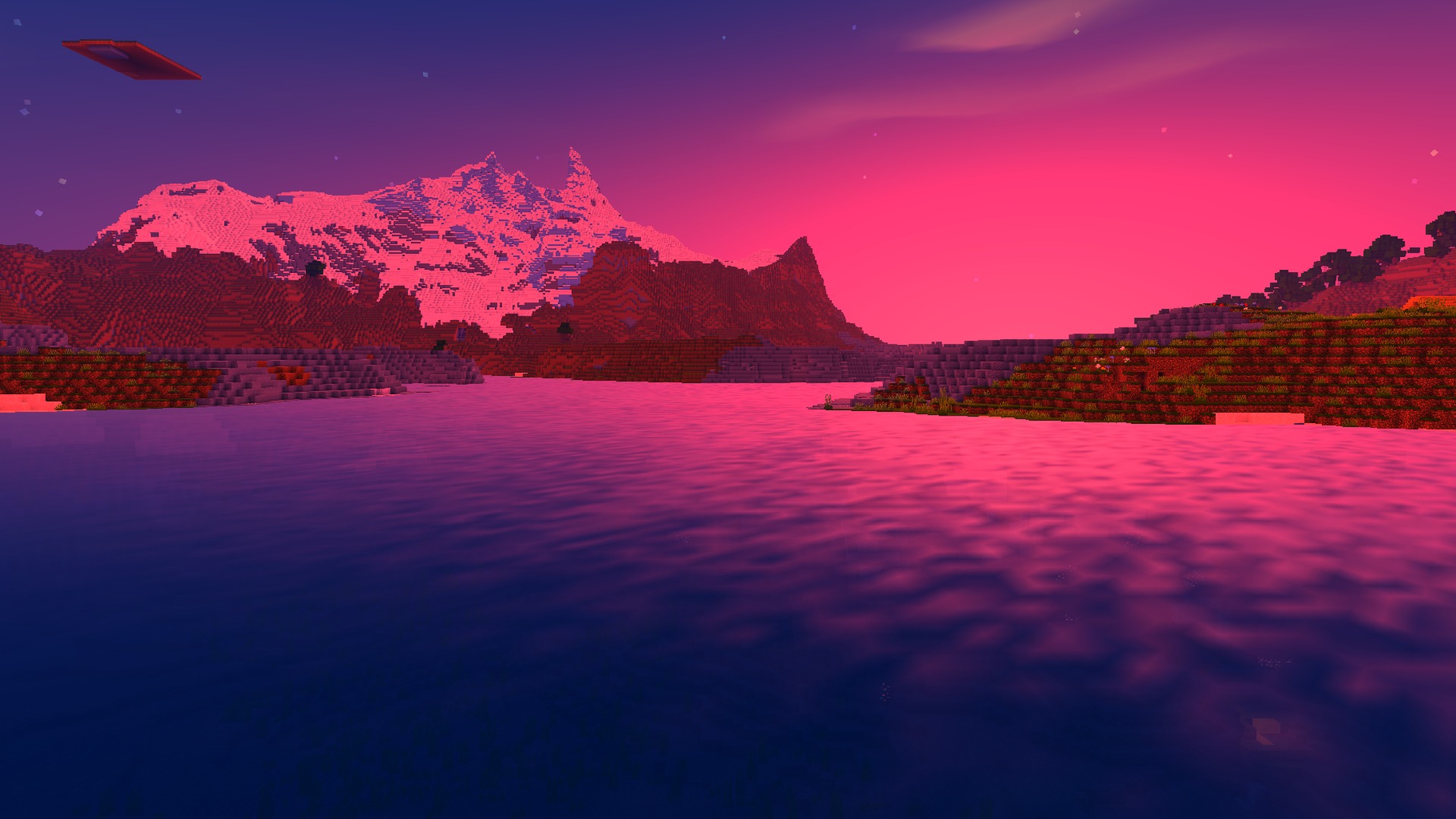
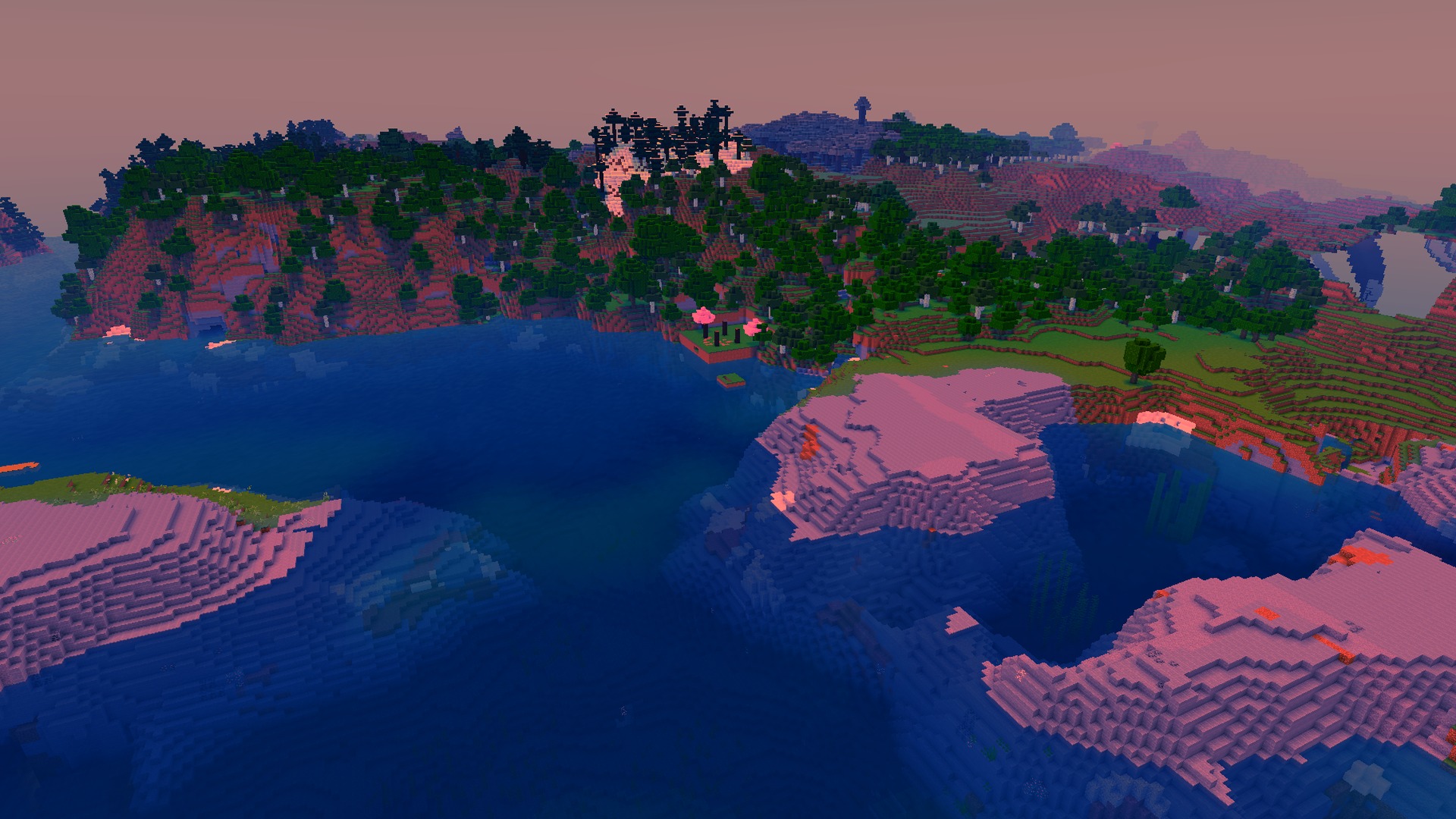
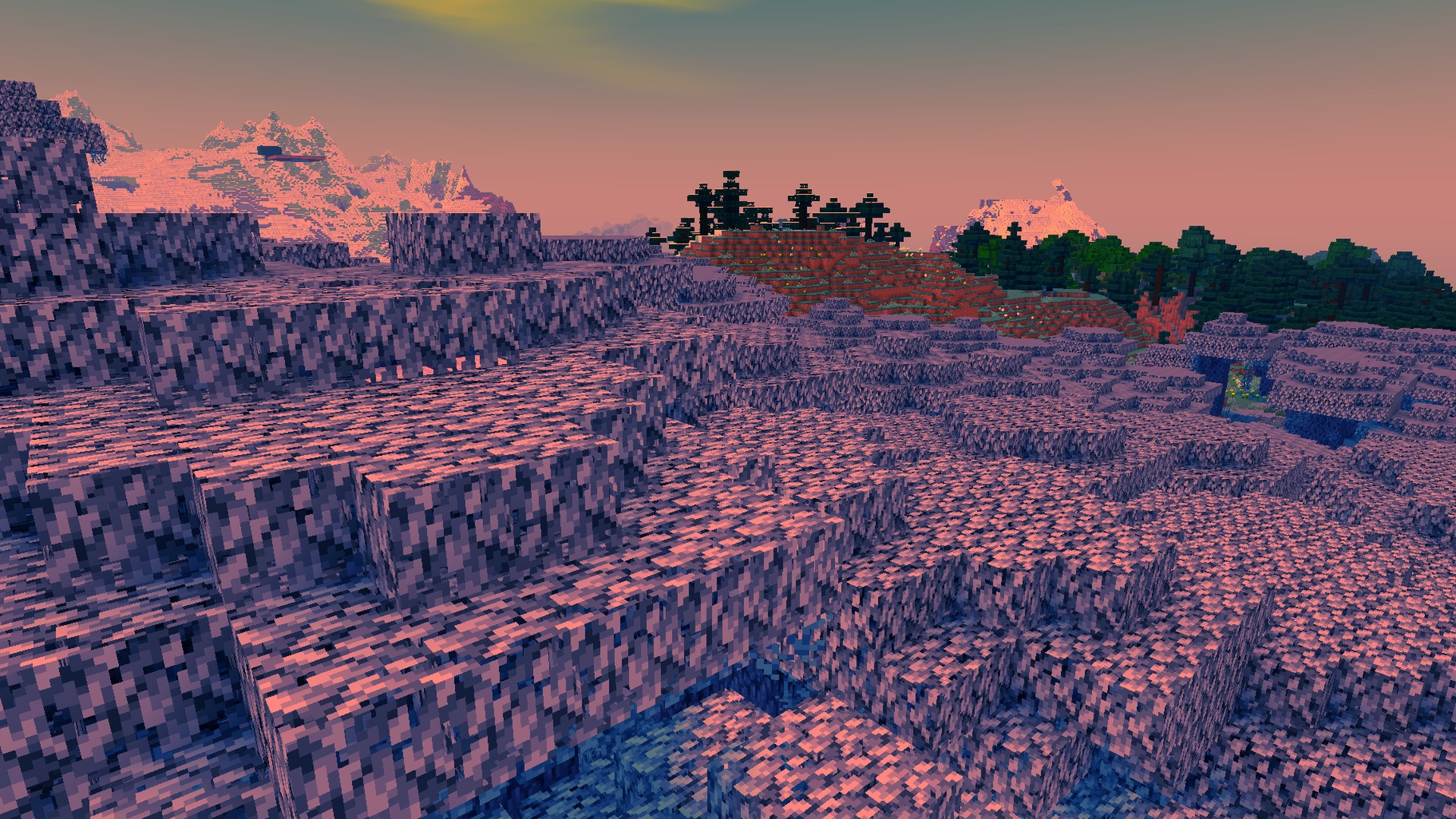
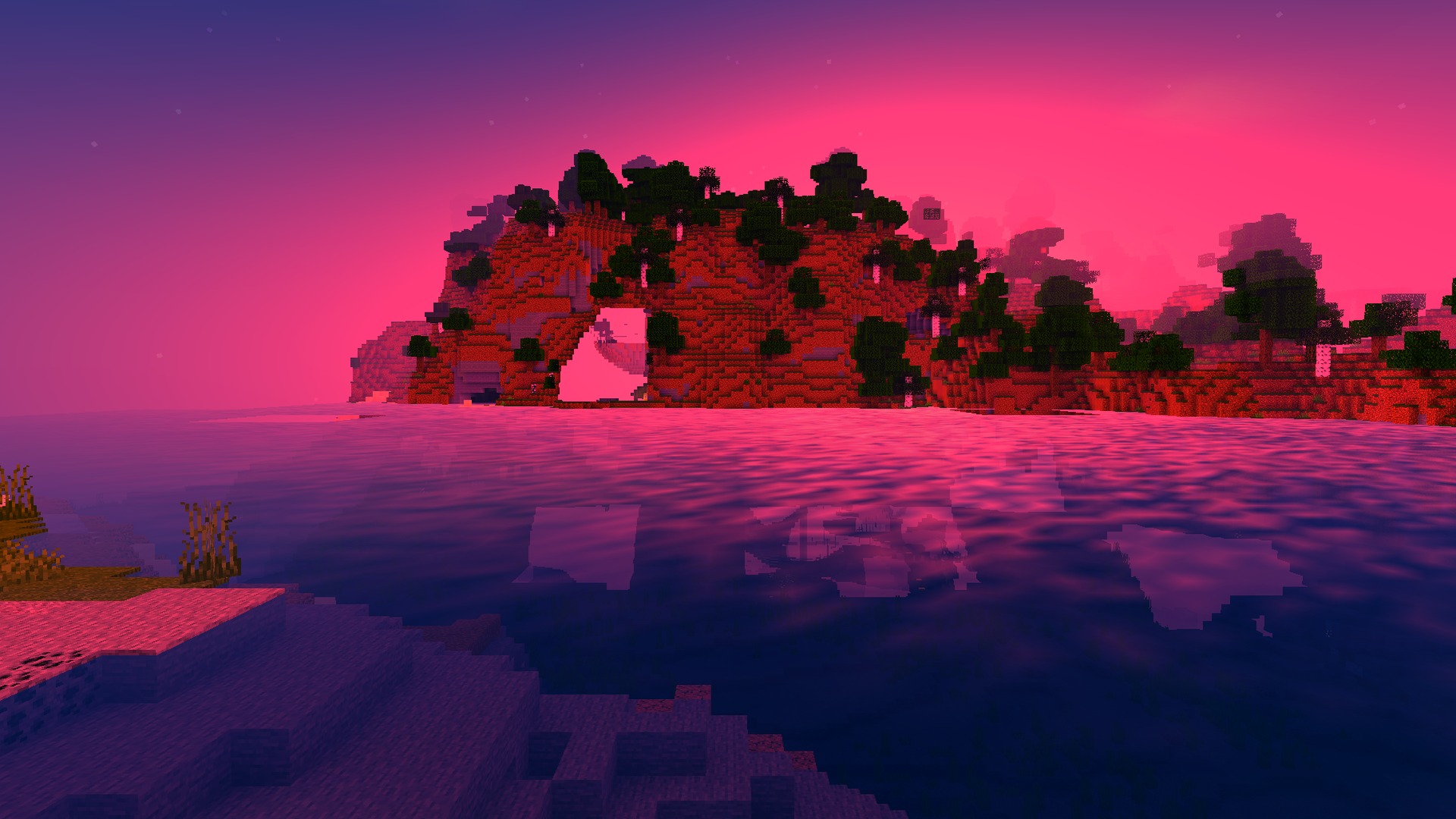
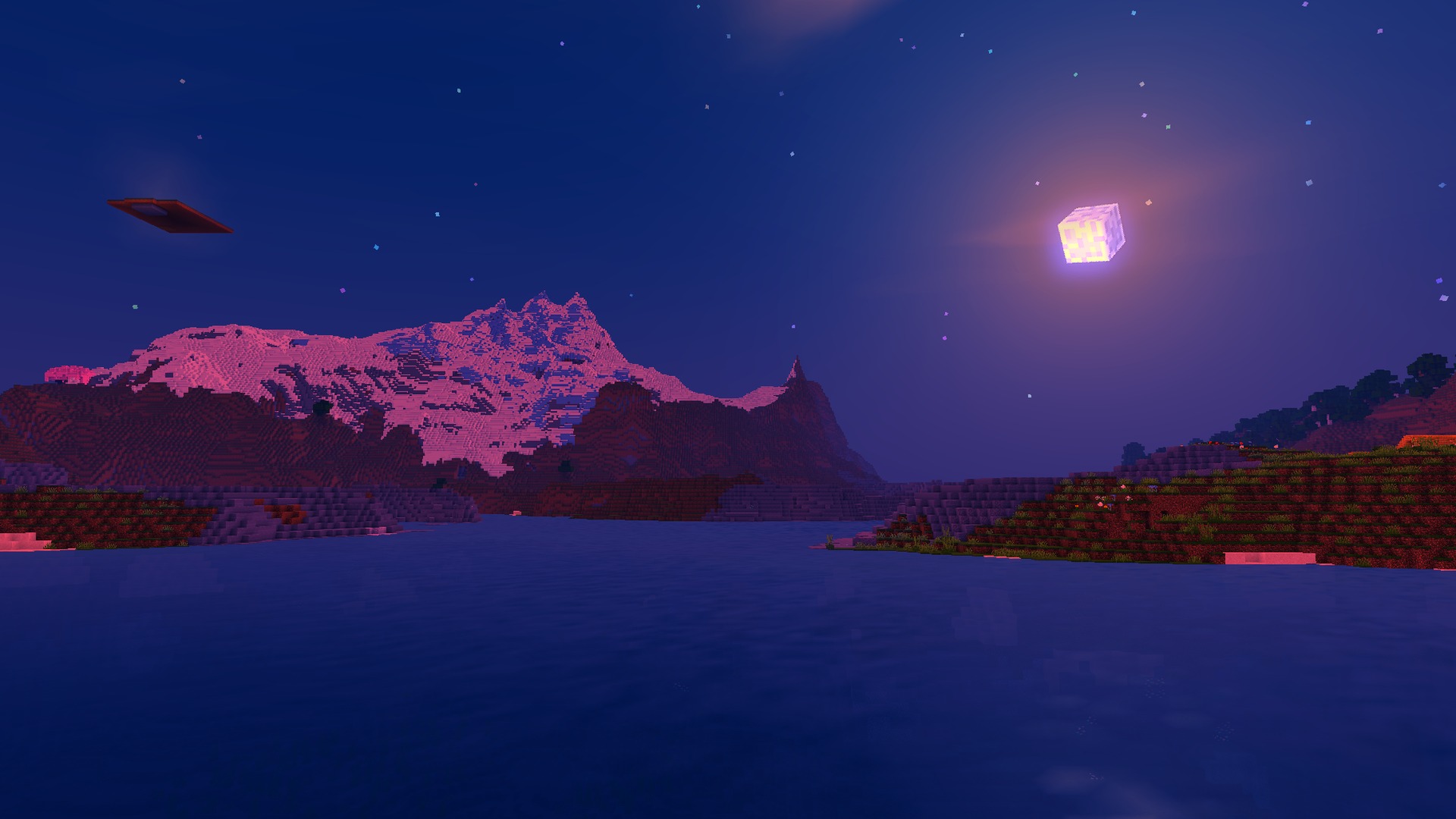
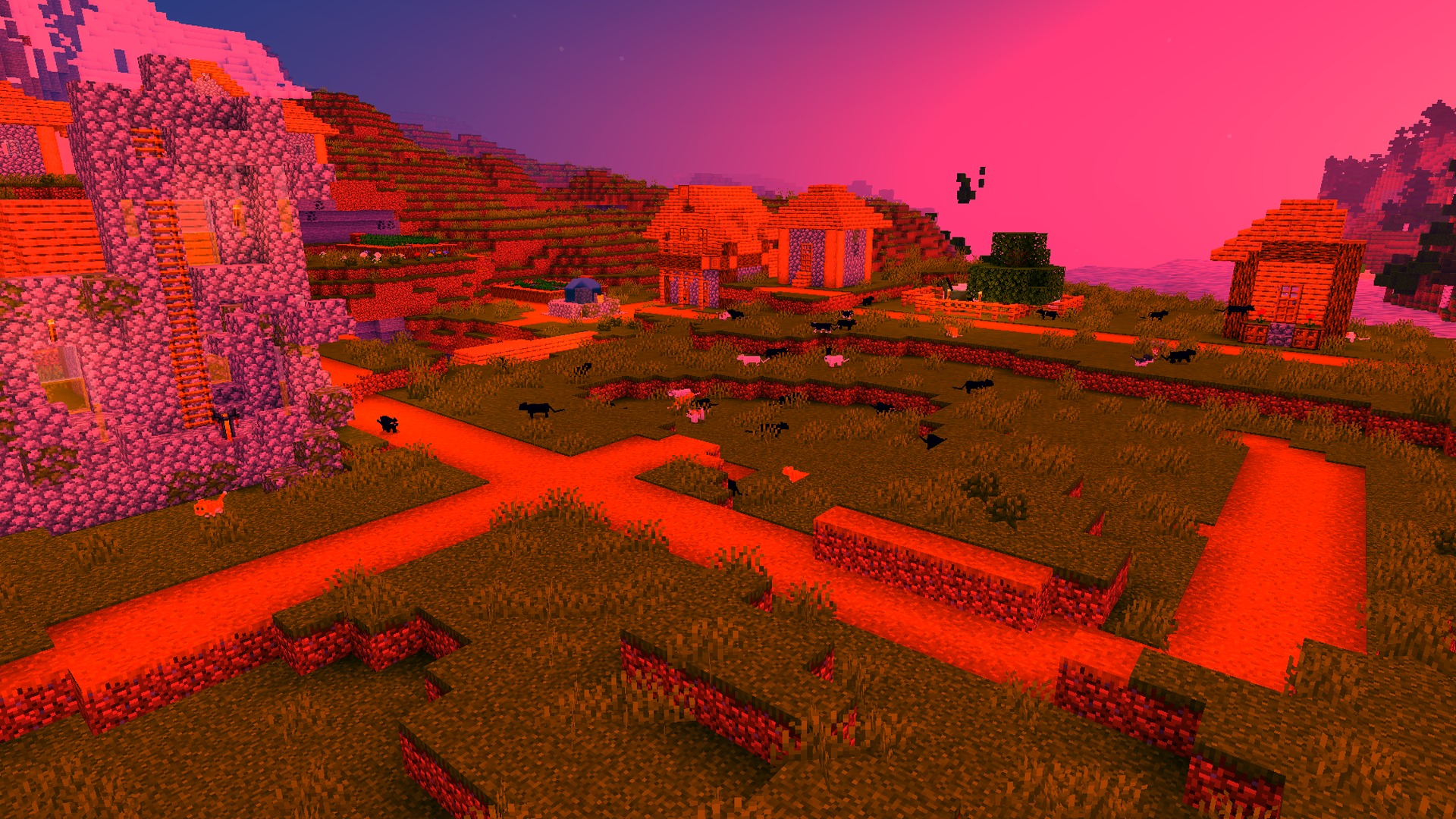
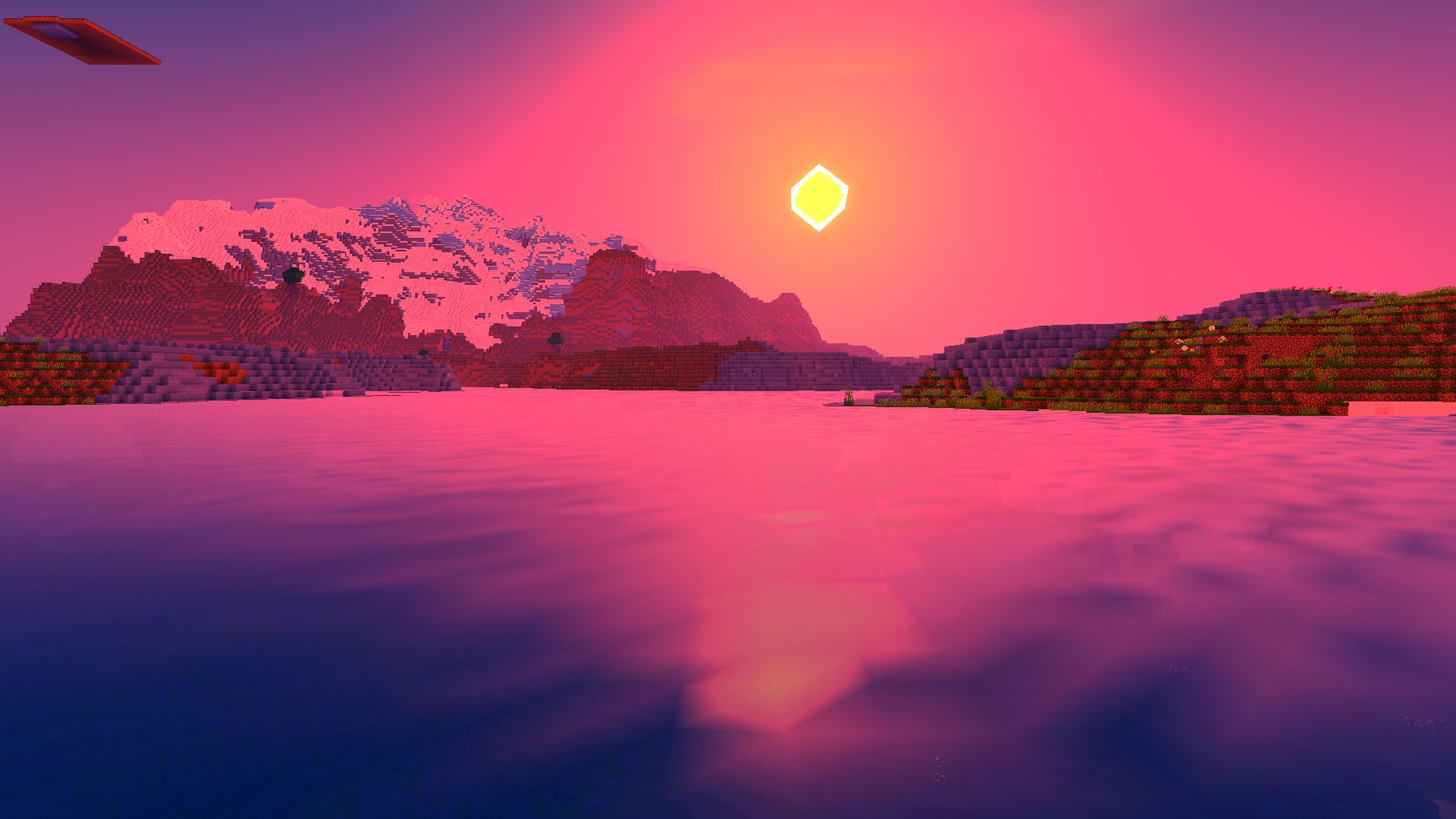
Newb Complementary Shader enhances Minecraft Bedrock with realistic graphics including auroras, glowing ores, dynamic shadows, and improved water effects while maintaining performance on various devices.
Newb Complementary Shader brings enhanced visual effects to Minecraft Bedrock and PE. This shader pack adds atmospheric features such as night sky auroras and realistic water rendering, while also highlighting valuable ores in dark environments. The pack is designed to work across different device capabilities, including optimization options for older hardware.
Features
- Adds beautiful auroras to the night sky
- Makes diamond and gold ores glow in dark caves
- Creates realistic shadows that move with the sun
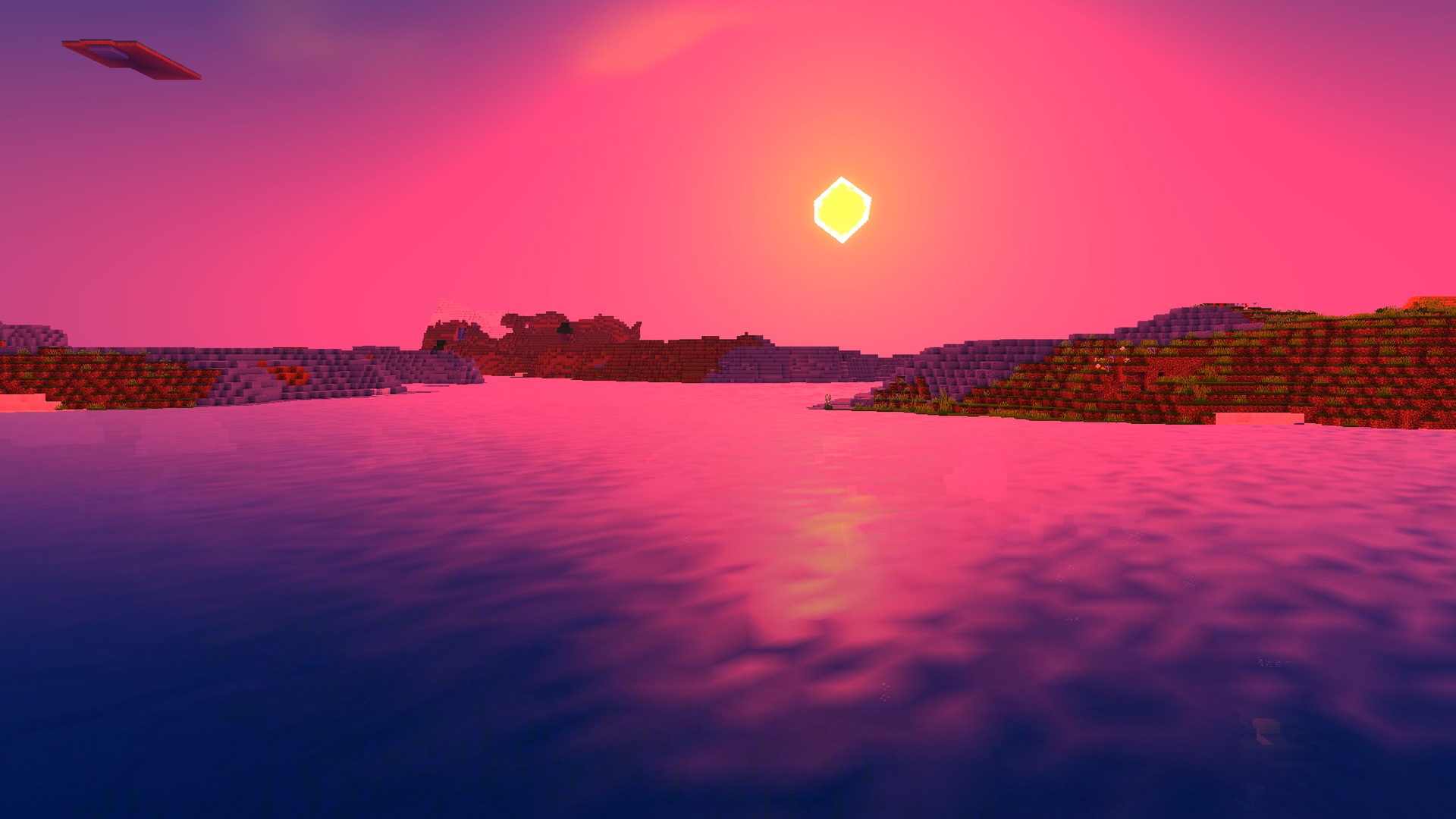
- Improves water with deep blue colors and sun rays
- Includes a low graphics option for older phones
Installation
- Download the shader pack file.
- Open the downloaded file with Minecraft to import it automatically, or manually place it in your shader packs folder.
- Launch Minecraft and navigate to Settings.
- Select Graphics settings and enable the shader pack from your installed shaders list.
- Adjust graphics quality settings if needed for your device performance.
DOWNLOAD FILES
- mcaddon