
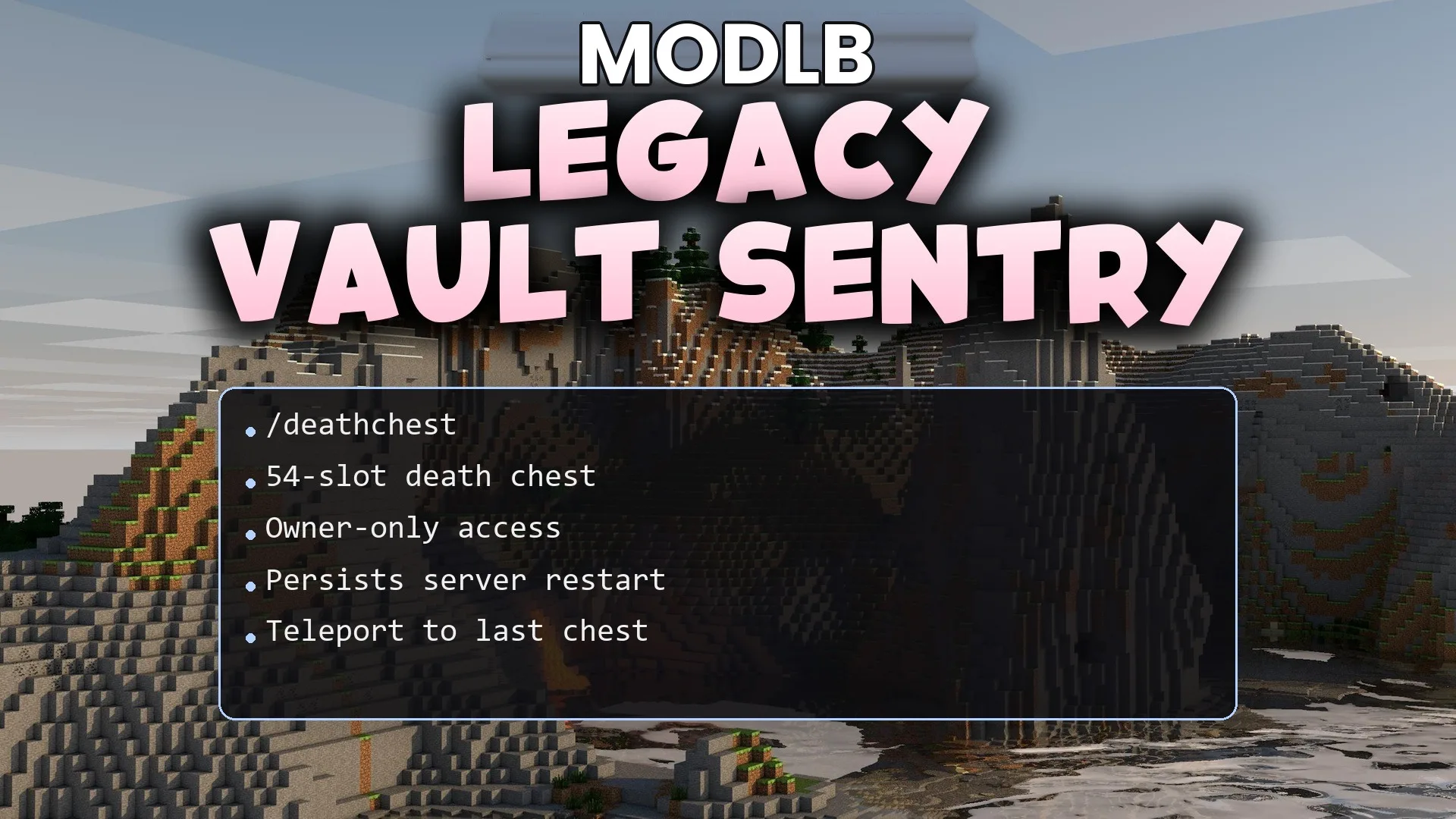
Legacy Vault Sentry Plugin (1.21.11, 1.21.1) – Stop Players From Losing Gear
Legacy Vault Sentry Plugin protects your items whenever you die in the game. It places a secure chest at your exact death location so your hard-earned loot never despawns or falls into the wrong hands. The plugin also sends you coordinates directly in chat to help you track down your belongings without stress.
- 1.21 → 1.21.11 +12
Show all 12 versions
- 1.21.11
- 1.21.10
- 1.21.9
- 1.21.8
- 1.21.7
- 1.21.6
- 1.21.5
- 1.21.4
- 1.21.3
- 1.21.2
- 1.21.1
- 1.21
Features:
- Places a protected storage chest right where you die.
- Offers a large 54-slot inventory inside the chest to hold all your dropped gear.
- Locks the container so only the owner can open and retrieve their loot.
- Sends exact death coordinates directly to your chat box upon creation.
- Keeps stored items safe even across server restarts.
- Removes the chest automatically after a set amount of time passes.
Commands:
/deathchest list: Shows a list of all your active chests and their locations./deathchest back: Teleports your character directly to your most recent death chest.
Configuration:
deathchest.back: Grants access to use the teleport command.
How to Use:
- Play on the server without worrying about losing items on sudden deaths.
- Check your chat log upon dying to read the exact coordinates of your chest.
- Type
/deathchest listto check all your current chest locations. - Type
/deathchest backto teleport straight back to your items. - Open the chest and collect your gear.
DOWNLOAD FILES
- jar